App selection
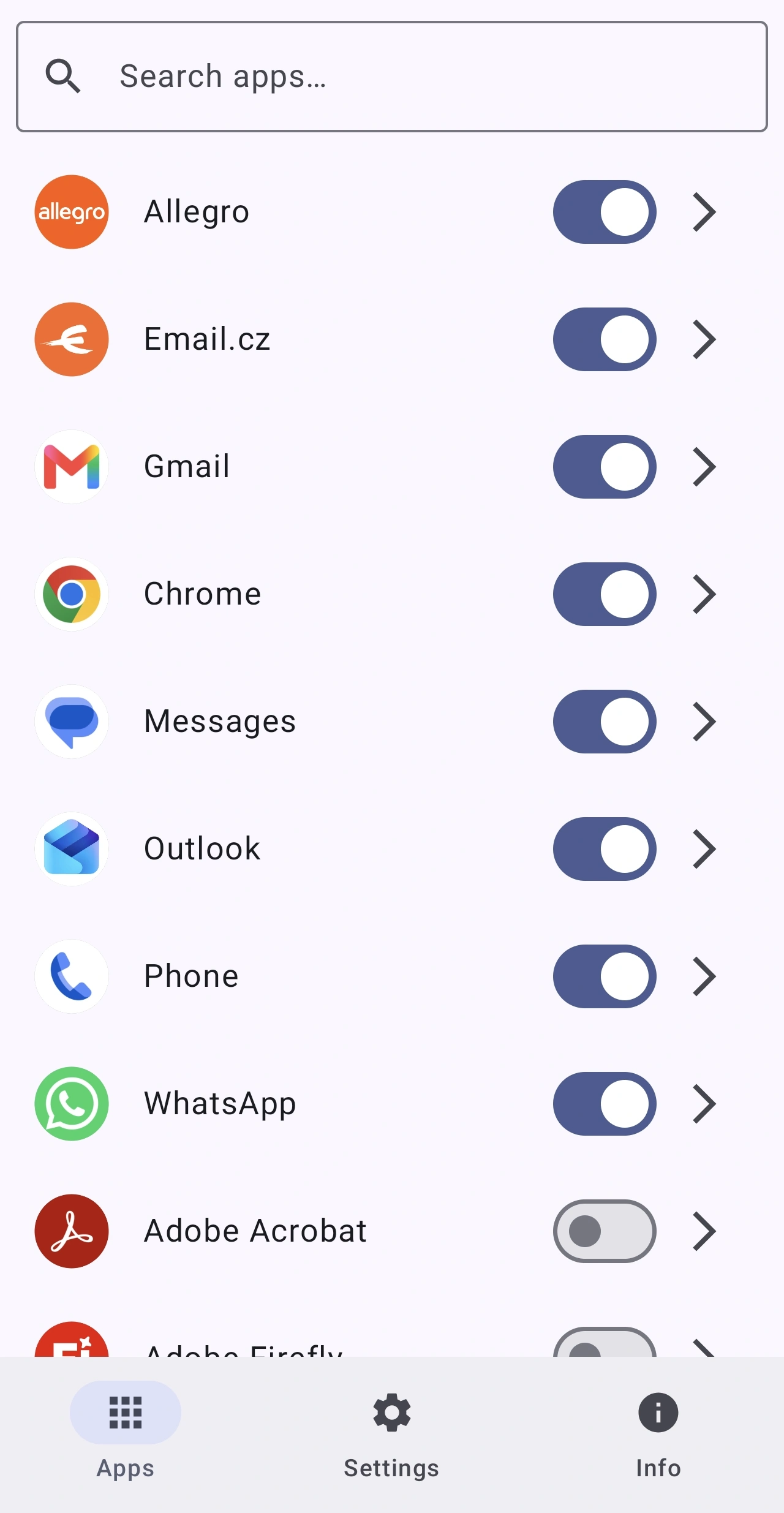
Choose which apps you want to use with Sound Notify. The built-in search makes it easy to find an app, and each app has its own detailed settings.
Does your phone lack a notification LED? Sound Notify offers another way to stay informed – with sounds, vibration and spoken incoming notifications.
Many modern phones no longer have a notification LED. Sound Notify therefore uses sound alerts, different vibration patterns and TTS (Text to Speech), which can read incoming notifications aloud.
You can configure each supported app individually and choose how your phone should alert you.
Choose the apps, select how you want to be notified and configure Sound Notify to suit your needs.
Choose which apps you want to use with Sound Notify. The built-in search makes it easy to find an app, and each app has its own detailed settings.
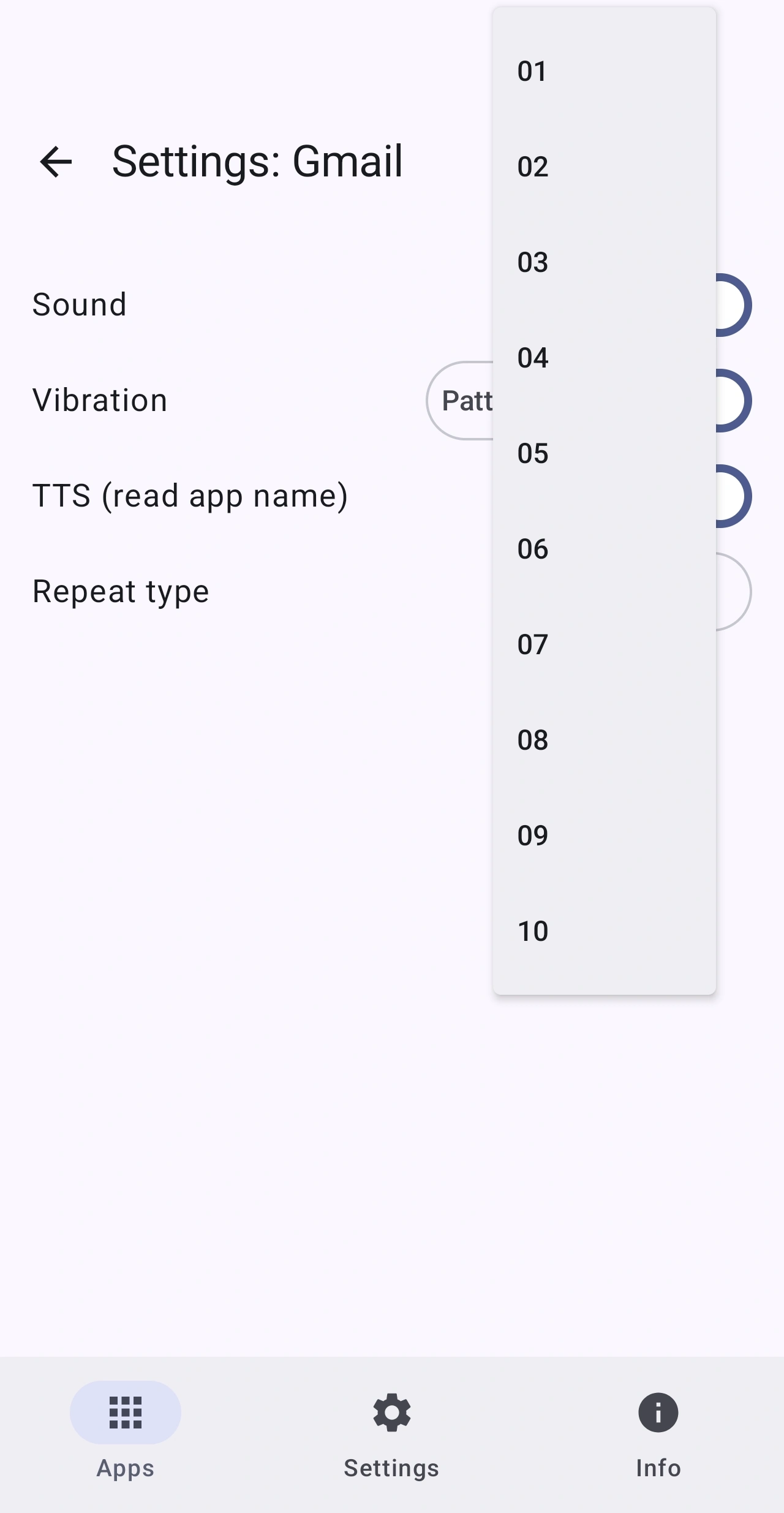
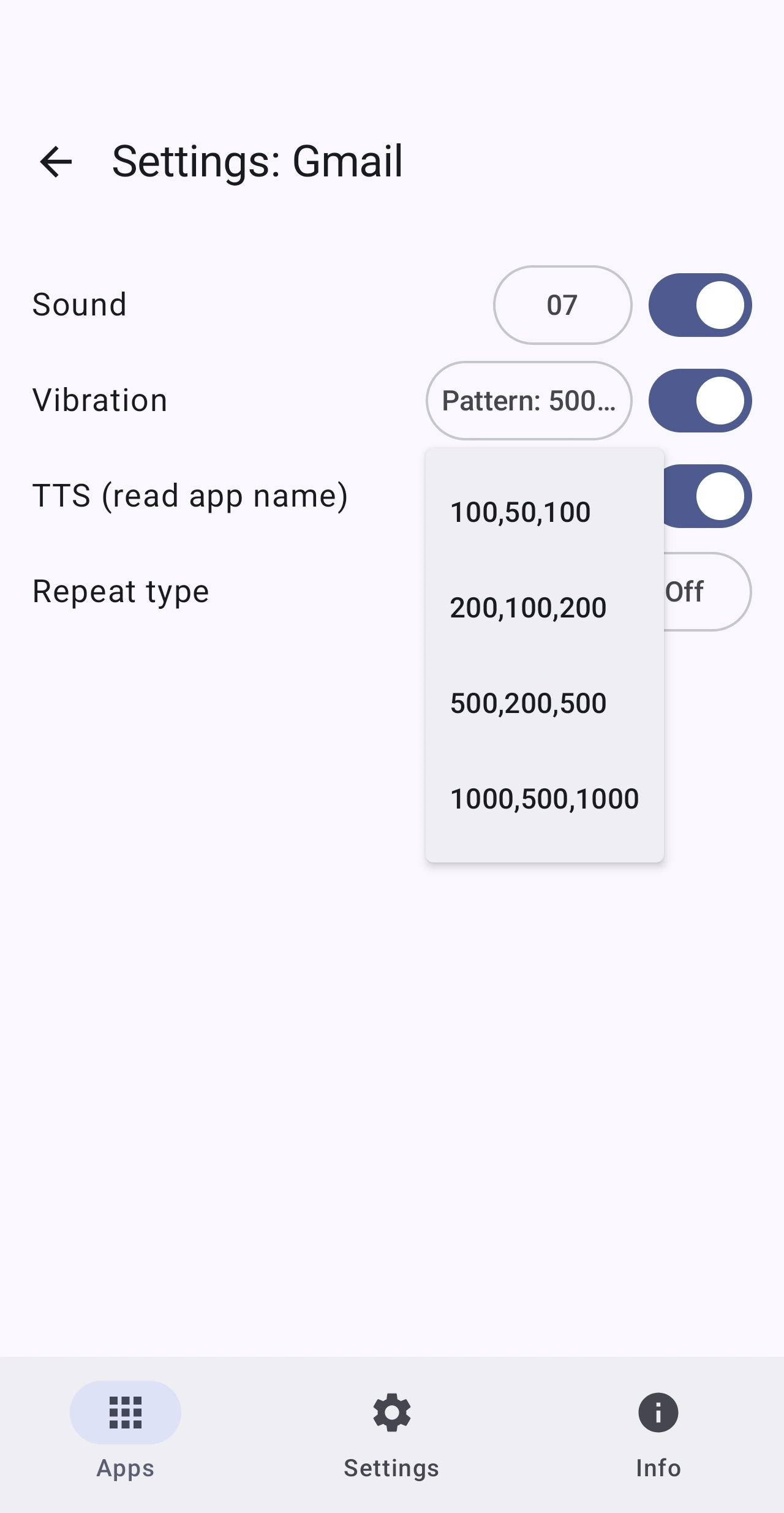
For each notification, you can choose one of 10 built-in sound samples or one of 4 vibration patterns.
Have notifications read aloud – for example, “Notification from WhatsApp”.
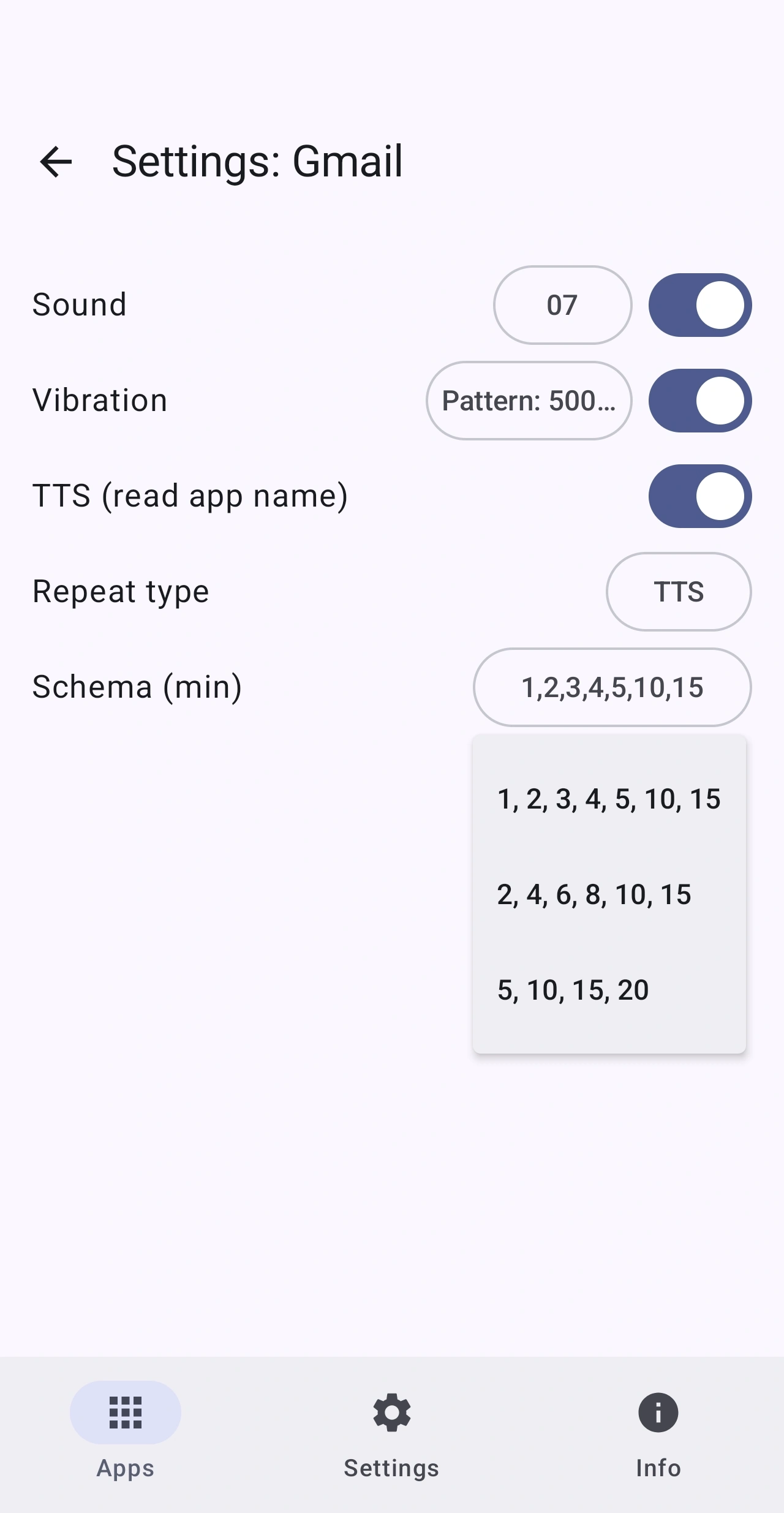
Choose the type of alert and one of three repeat patterns. That way, important notifications are less likely to go unnoticed.
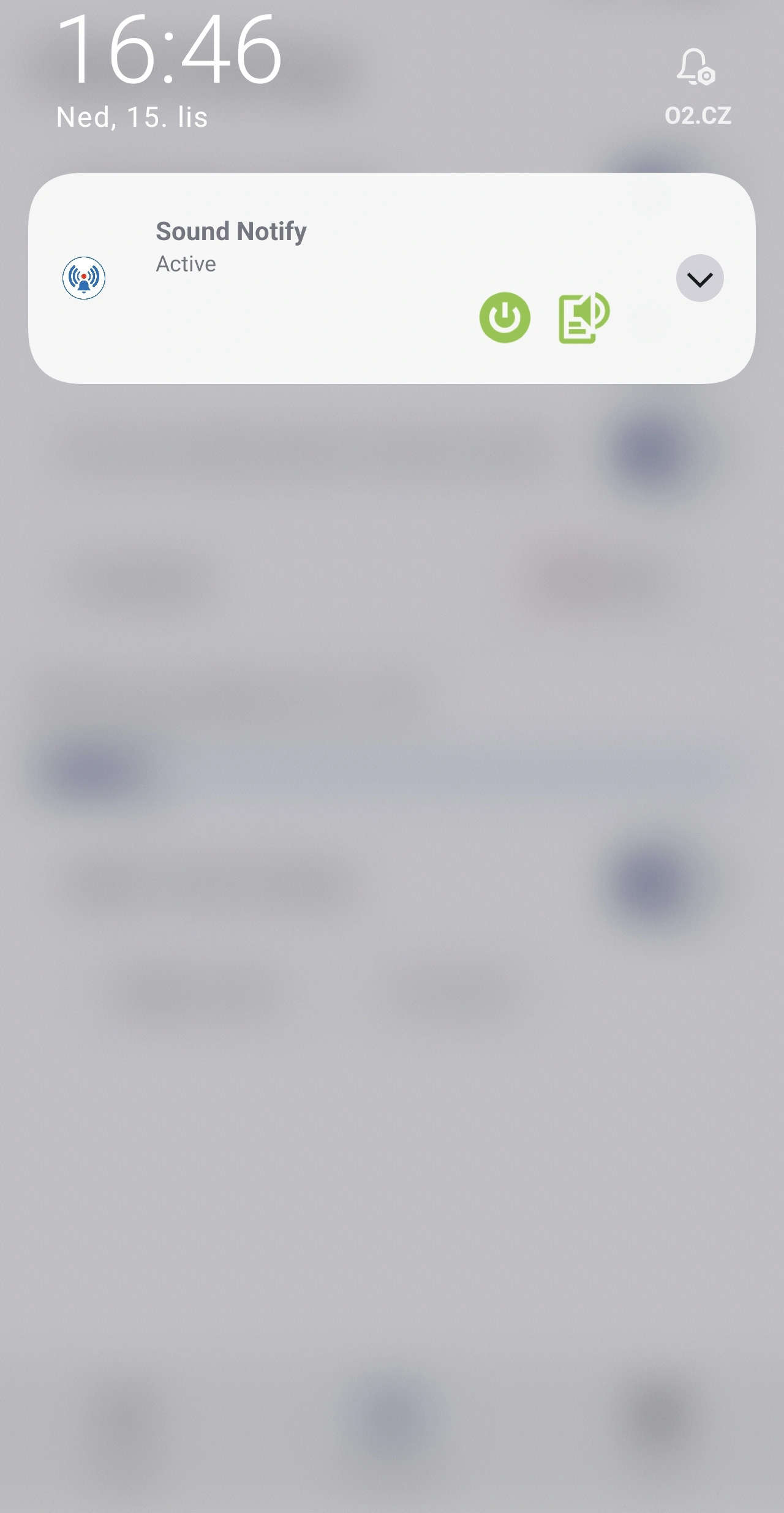
You can easily pause or resume alerts and TTS announcements directly from the notification shade.
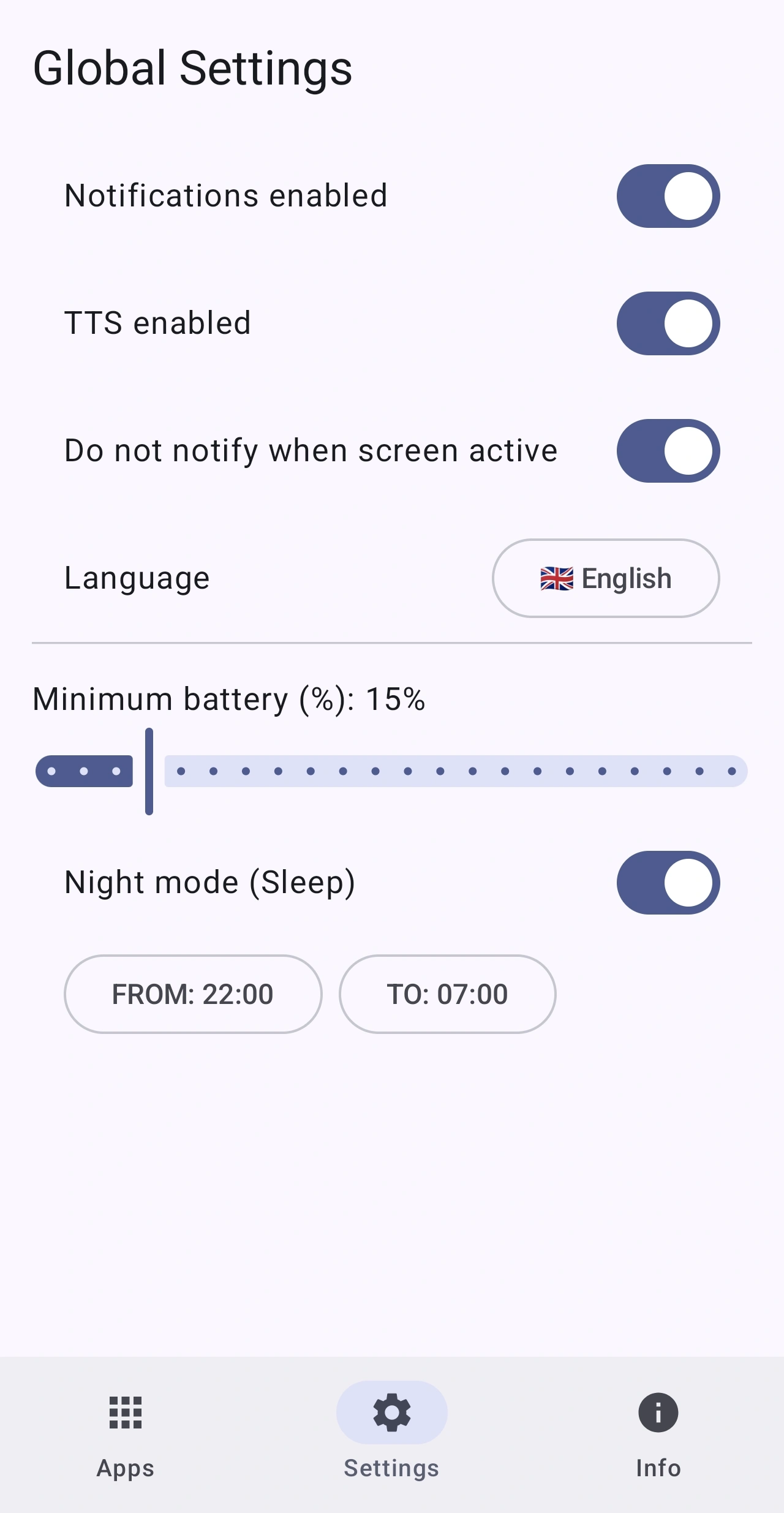
Global settings let you quickly adjust how the app behaves. Many options can be controlled with a simple switch; others can be fine-tuned to suit your needs.
Explore the different parts of the Sound Notify interface. Click an image to open a larger view.
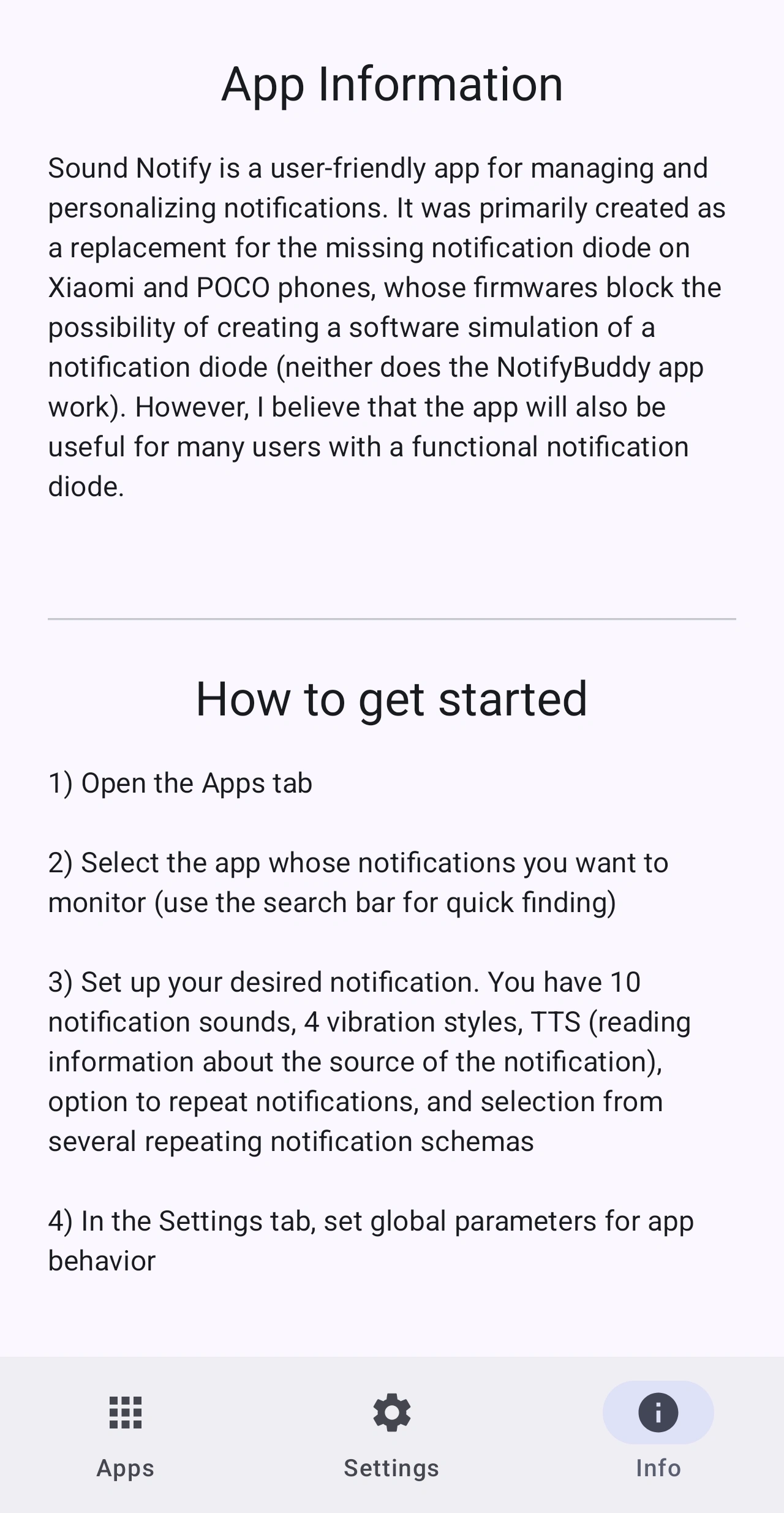
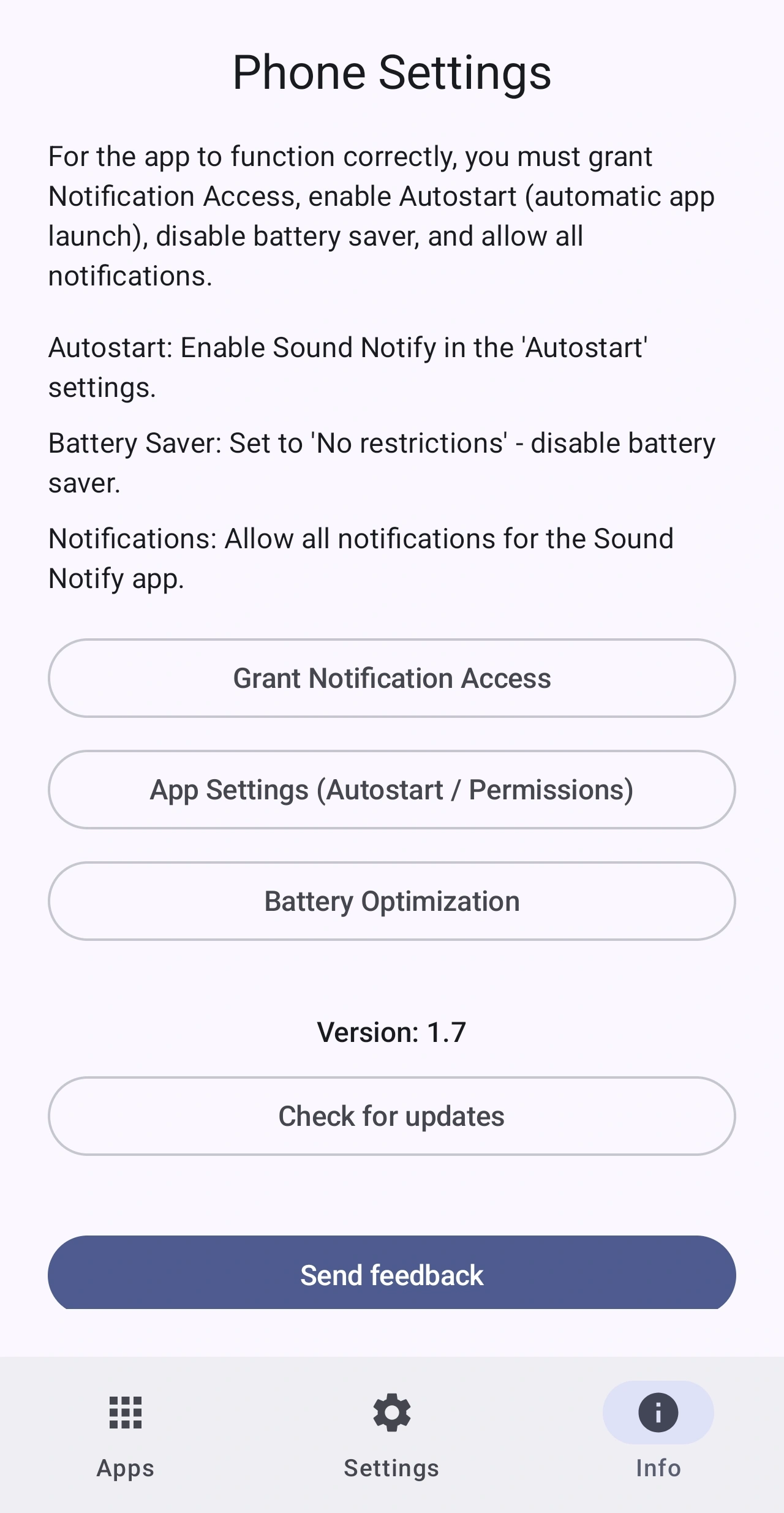
The app information section contains basic information, a simple guide to configuring your phone with links to the relevant system settings, and an option to send feedback by e-mail.
You can download the current version (1.10) of Sound Notify HERE .
To install the app, you must allow installation from an external source. When a newer version becomes available, the app will notify you automatically (provided you have an internet connection).
You may be wondering how Sound Notify could be useful to you. I personally got used to this app so quickly that I would not want to be without it anymore :-). Imagine watching TV, programming, eating, reading, browsing the internet or doing something similar, while your phone is nearby on its charger. Without the app, your phone beeps to tell you that a message has arrived. Usually, you do not even know which app it came from or whether it is important. You have to reach for your phone (or get up and walk over to it), unlock it and find out what happened.
With Sound Notify, things are different. You configure each app individually according to how important its notifications are to you. For some apps, you can leave notifications as a simple beep or vibration; for more important ones, you can have the app name spoken aloud. You might hear, for example, “Notification from Allegro, TEMU, WhatsApp, Messenger, Gmail, Chrome, ...”. You can then carry on with what you are doing and reach for your phone immediately only when the notification comes from, for example, Messages (SMS, MMS) or E-mail (your other mailbox). Everything else can wait :-).
Sound Notify respects your privacy. This Privacy Policy explains how our app handles information.